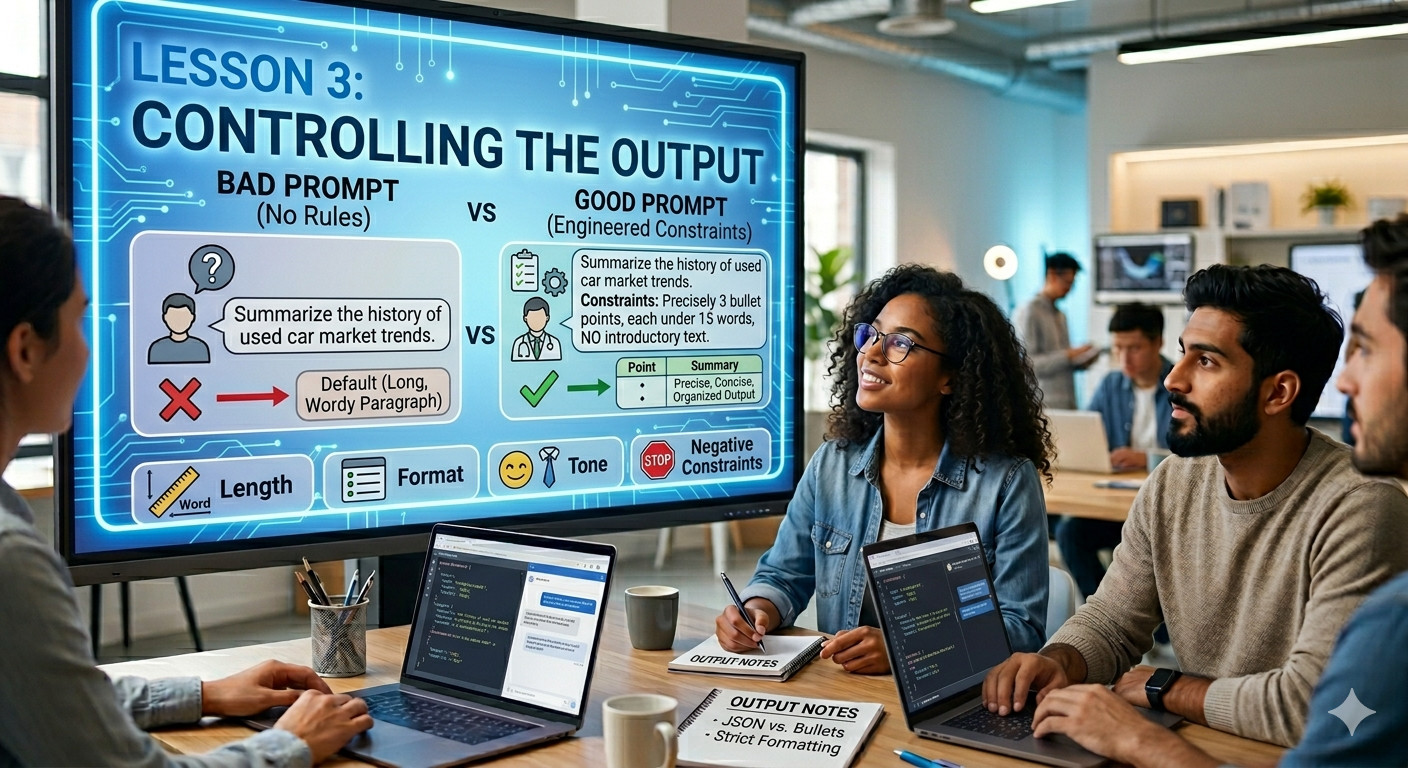
Lesson 3
The Power of Constraints (Controlling the Output)
Welcome back to Prompt Engineering Lesson 3!
Now that you have mastered the basics and learned how to assign expert roles to the AI, it is time to look at the other side of the equation: Output Constraints. This lesson will teach you how to dictate the exact format, length, and style of the AI's response so you never have to waste time editing it.
Lesson 3: The Power of Constraints (Controlling the Output)
1. Introduction
If you don't tell the AI how to format its answer, it will default to long, wordy paragraphs. Constraint Prompting is the practice of setting strict rules for the AI's output. By defining boundaries, you force the AI to be precise, concise, and highly organized.
2. Common Types of Constraints
You can restrict the AI using several parameters:
Length Constraints: "Keep it under 50 words" or "Write exactly 3 sentences."
Format Constraints: "Respond only in a Markdown table," "Use a bulleted list," or "Output in raw JSON code."
Tone/Style Constraints: "Write in a professional, corporate tone" or "Explain like I am a 10-year-old."
Negative Constraints: Telling the AI what not to do (e.g., "Do not use corporate jargon" or "Do not include any introductory text".
3. The Blueprint for Constraint Prompting
When adding constraints, place them clearly at the bottom of your prompt. Use clear bullet points so the AI engine registers them as hard rules.
4. Bad vs. Good Constraint Examples
Bad Prompt (No Rules)
Summarize the history of used car market trends."
Good Prompt (Engineered Constraints)
Summarize the history of used car market trends.
Constraints:
- Provide exactly 3 bullet points.
- Keep each bullet point under 15 words.
- Do not include any introductory or concluding text."
📝 Lesson 3 Homework
Open your AI playground and test this control framework right now:
1 Paste this structured prompt:
"Act as a social media manager. Give me 3 content ideas for a community platform.
Constraints: Output ONLY as a Markdown table with two columns: 'Idea' and 'Target Audience'. Do not write any conversational text before or after the table."
2 Check if the AI followed your formatting rules perfectly without saying "Here is your table:".